Requires individual access, Sandbox sign-in.
Open Sandbox https://chat.ailab.gc.cuny.edu/
A Knowledge collection contains documents a custom model can search.
Retrieval-augmented generation (RAG) combines information retrieval with text generation. It retrieves relevant source passages and adds them to a model’s context alongside your request and system prompt instructions.
Search documents → Retrieve passages → Generate response
STEM Adventure Games uses source documents to guide a text adventure with numbered choices.
Clone this example, then adapt its sources and instructions for a topic and audience you choose.
Select Workspace in left sidebar, then Models. Search for STEM Adventure Games. Open ⋯ beside it and select Clone.
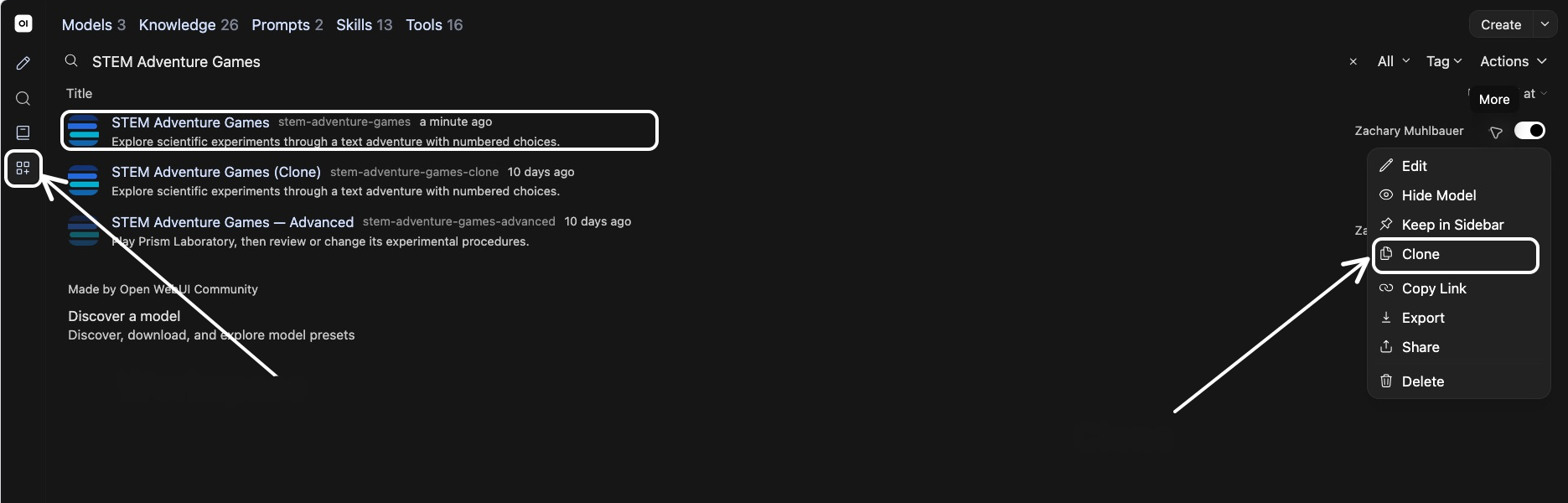
Give your copy a unique name and model ID. Base model, system prompt, and settings carry over when you clone.
Scroll to bottom and select Save & Create.
Open New Chat. Select model ID on bottom right of message box. Choose STEM Adventure Games.
Ask for four adventure options, choose one, and try its numbered choices. Ask for another menu to see new options.
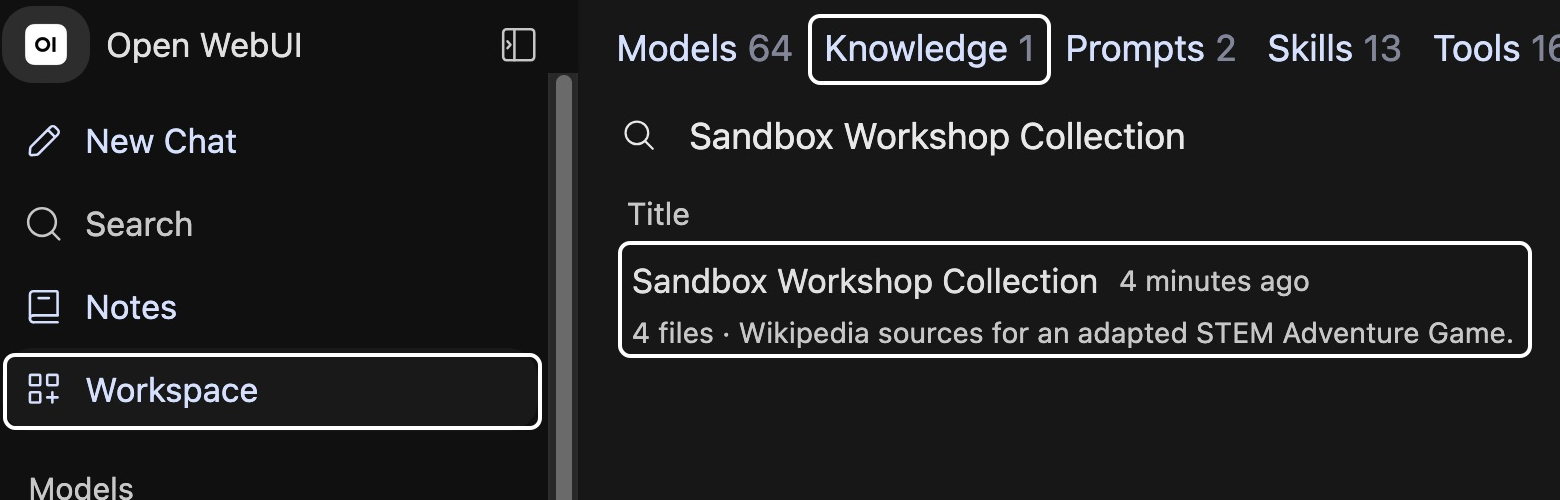
Select Workspace in left sidebar, then Knowledge. Open Sandbox Workshop Collection.
At Sandbox Workshop Collection root, instructions.txt describes how sources guide play. Open Wikipedia to see source files.
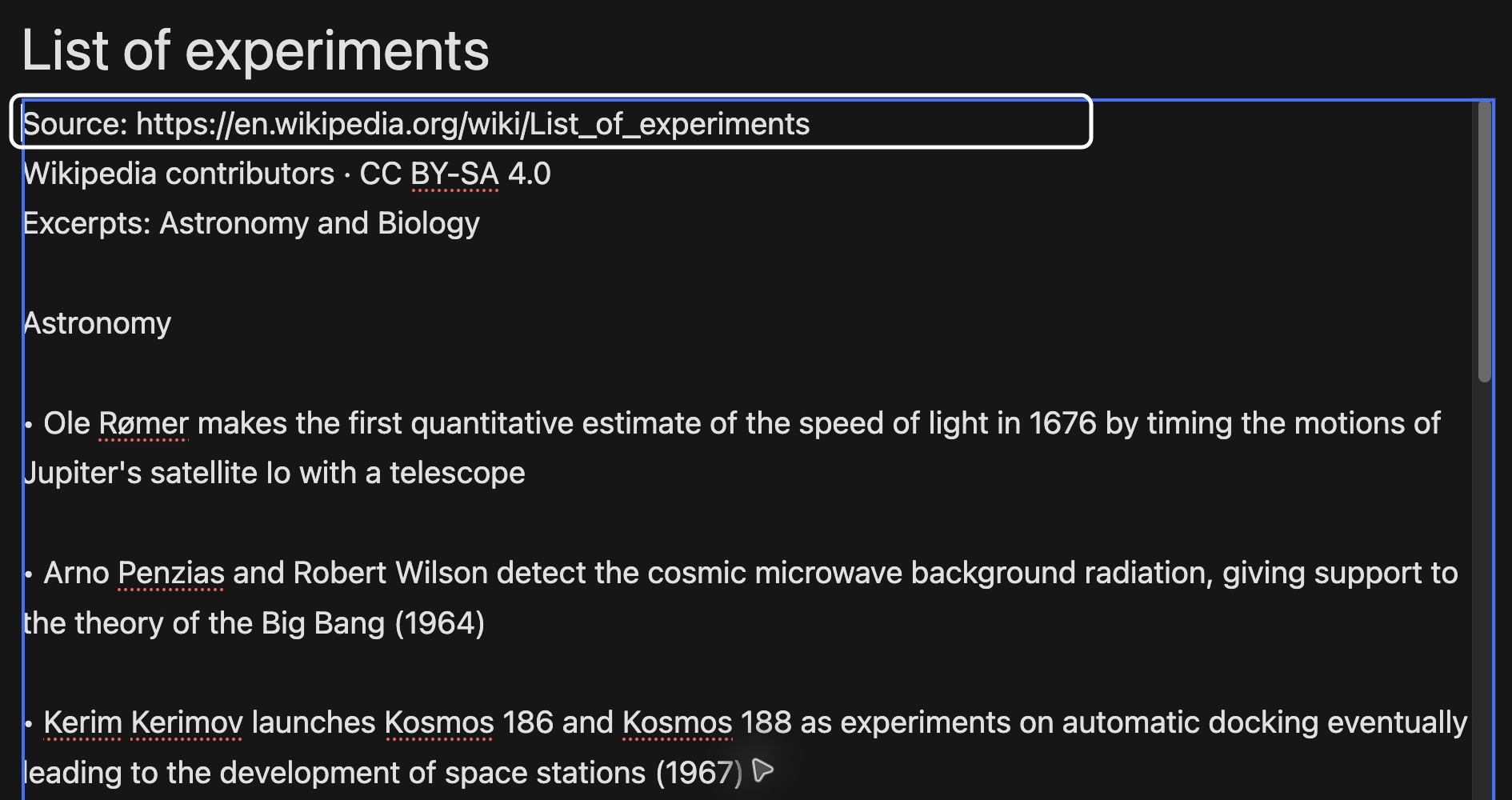
Wikipedia contains three article files. Open each to review its text and source link.
For your adapted version, start with one article. Add more as needed.
What should players learn or explore?
Choose a topic and audience for your adaptation of STEM Adventure Games. Identify a question players could investigate through their choices.
Start with one Wikipedia article about your chosen topic. Add more only as needed.
Choose substantial passages that give players something to investigate through their choices.
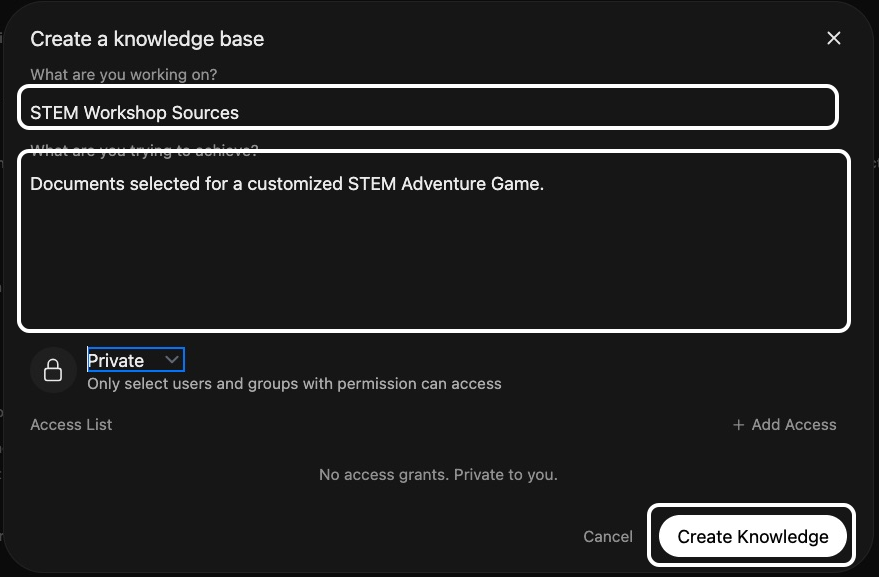
Select Workspace → Knowledge → Create. Name your collection and describe what your sources cover.
Keep access Private and select Create Knowledge.
Select Add Content → New directory. Name it Wikipedia, select Create, then open Wikipedia.
Select Add Content → Add text content. Use article title as filename.
Copy and paste several paragraphs or complete sections from your chosen Wikipedia article, including its link.
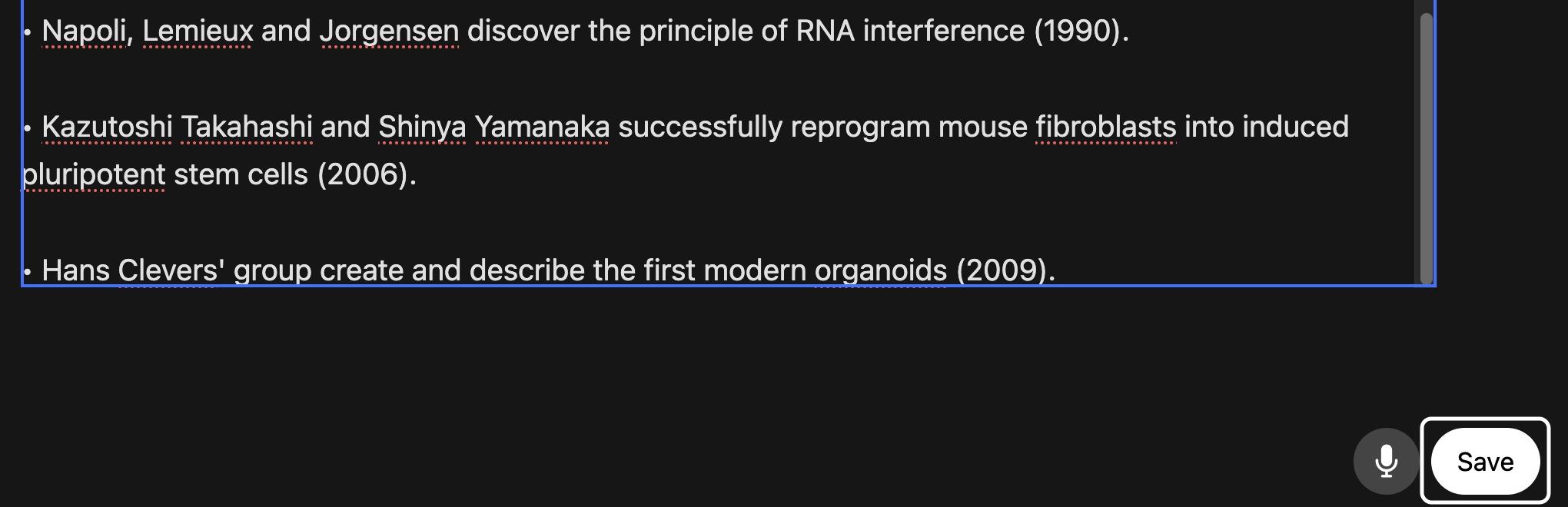
Select Save. One Wikipedia article is enough to begin. Keep any additional articles in separate files with their links.
Wait for processing, then open each file to check text.
Before testing, add two short sources alongside your Wikipedia material.
Return to collection root. Use Add Content → Add text content to save relevant passages and source links in separate, clearly named files.
Select collection name above directory contents to return to its root. Select Add Content → Add text content.
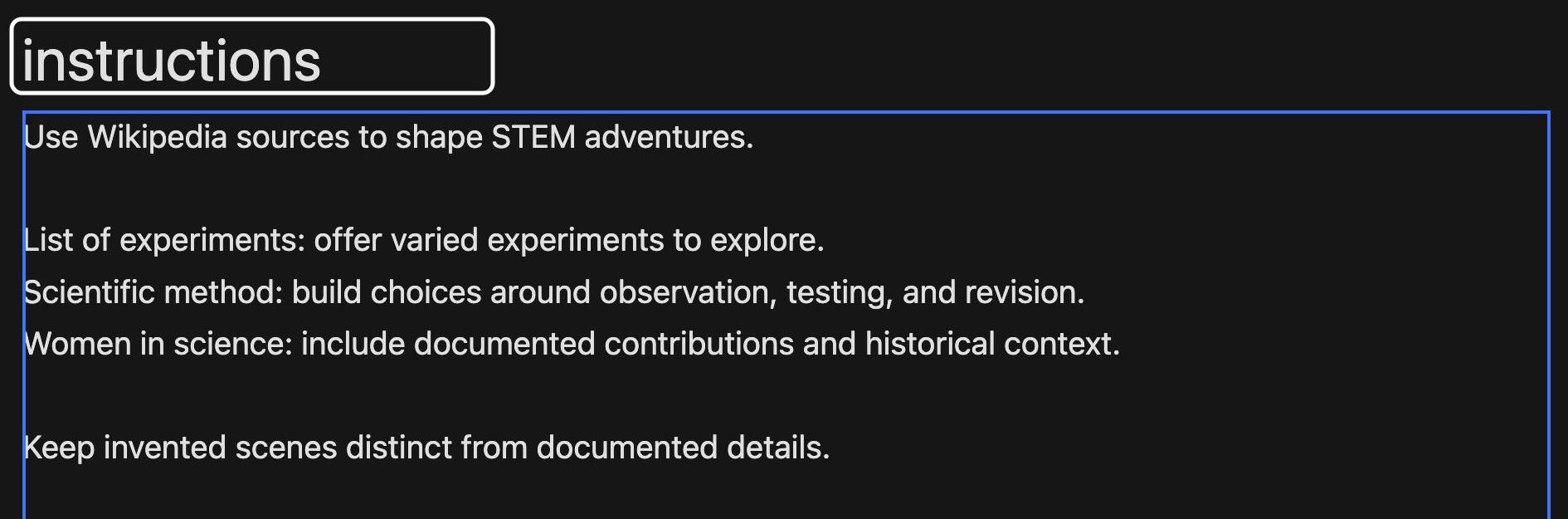
Enter instructions as title; Sandbox adds .txt. Use your page titles and filenames to explain which material grounds scenes, which helps interpret them, and which guides player choices. Select Save.
In Workspace → Models, open ⋯ → Edit beside your saved copy.
Under Knowledge, replace STEM Wikipedia Experiments with your own collection. Scroll up to System Prompt.
In cloned System Prompt, revise Purpose and Audience for your topic. Under Procedure, replace source and retrieval directions above numbered steps.
Offer four adventure options immediately. After a player chooses, retrieve instructions.txt from attached Knowledge collection and use its directions to find relevant source passages. Use article passages for details, secondary sources for interpretation, and heuristic sources for questions or decision rules during play.
Remove instructions that refer to sources you replaced. Keep numbered game steps, Constraints, and Format. Select Save & Update.
In same chat, ask “Which passage supports this scene? Quote it and cite your source.”
Select a citation beside a response. Does its source passage support that response?
Keep your test chat open. Open STEM Adventure Games in another tab and send same opening request.
https://chat.ailab.gc.cuny.edu/?model=stem-adventure-games
Choose one problem you observed. Revise source guidance or system prompt instructions. Add another Wikipedia article only if needed.
For source changes, update copied excerpts and instructions.txt. Wait for processing. For prompt changes, select Save & Update.
Open New Chat, select your saved copy, and repeat your request. Did this change resolve that problem?
In your copy’s editor, open Access and grant intended users or groups Read access. Give those same users Read access to its Knowledge collection.
Ask someone to try your copy and check its citations.
How else could you see yourself using knowledge collections in the future?
What are the limitations of this approach?
Check responses against sources in your collection. Next workshop introduces tools that retrieve Wikipedia content live.